
Attack on Titan Paradis Tools
Pass prices, a controls sheet, and checklists you can open mid-queue.
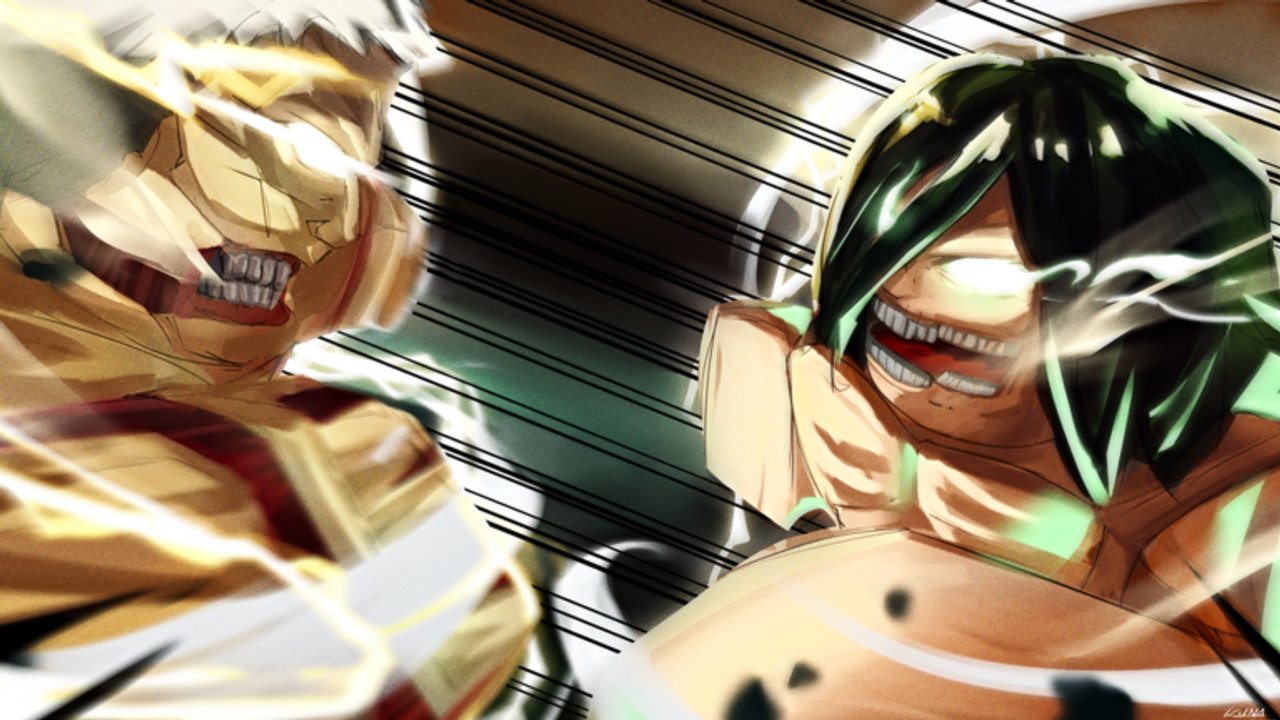
Not every Attack on Titan Paradis page should be a 2,000-word argument. Sometimes you need a table of Robux prices or a one-screen control list while the area menu spins. This hub is those tables. Pair them with the long guides; do not replace the guides.
Tools on this wiki
- Game passes — Bertolt and Armin Colossal at 180, extra gas, extra spears, Private Server Extra, and the retired Support passes.
- Controls sheet — actions to bind, mobile unhook, transform keys, and what to check after a shutdown.
- Thunder Spears — when explosives beat blades, when they get you eaten, and whether the +2 pass is worth 80 Robux.
- How to get Colossal — Bertolt vs Armin at 180 Robux, transform keys, and why you only need one face.
If you wanted a damage calculator or a gacha simulator, you are thinking of a different Roblox AoT. Paradis does not roll families. It sells a short pass list and asks you to fly.
How to use the pass tool
Open game passes before you spend. Confirm the live Roblox store if a number looks old — regional pricing can change a tag. Then read the matching kit page so you do not buy Colossal when you meant 2x gas. Beginner picks is the spending order. The pass tool is the receipt.
There are still no codes that substitute a pass. A “free Colossal code” is a script pitch. Safety if you were about to click it.
How to use the controls sheet
Open controls sheet on a second device if you can. The official key list is in-game; the sheet is a memory aid for actions: hook, unhook, boost, reload, transform, roar. After the map rework, mobile ODMG buttons moved. Recheck the sheet the same night you recheck mobile.
Console prompts were added in that patch. If the sheet and the prompt disagree, the prompt wins.
Session checklist (print this in your head)
- Correct experience: place 8412352352 from official links.
- Area: Paradis / Marley / Another Forest.
- ODM equipped. Blades drawn.
- Titan selected only if you will shift this life.
- Gas station located on the new art.
- One goal from how to play — napes, or ejects, or Jaw survival.
- No injector on the account that holds passes.
If you fail step 1 you are in the wrong game and none of these tools apply.
What we will not build
- An auto-nape overlay. That is a script.
- A fake Trello. The developer did not publish one.
- A live player count widget that lies when the API hiccups. Roblox already shows CCU on the experience page.
- A code generator. Codes are either real or they are not. Right now they are not.
When a tool page is wrong
Passes change. Buttons move. If Private Server Extra adds a new command, the pass page should mention the store description, not a leaked screenshot. If transform moves off Z, the controls sheet should say “see overlay.” File the change mentally, play one match, then reread. The updates hub is the trigger to refresh these tools.
Use the long guides hub when you have time. Use this hub when the server is filling and you only remember that Armin and Bertolt cost the same. They do. Buy one face. Then go fly.
Frequently Asked Questions
Quick answers from the Attack on Titan Paradis wiki.
Where are Attack on Titan Paradis game pass prices?
On the game passes page. Confirm against the live Roblox store before you buy.
Is there a printable controls list?
Yes — the controls sheet. In-game prompts still override it after patches.
Do you have a code generator?
No. See codes. Nothing is active as of this check.
Is Private Server Extra a gameplay tool?
It is a paid command panel for private servers (fly, teleport, kill). It is not a public-match skill.